
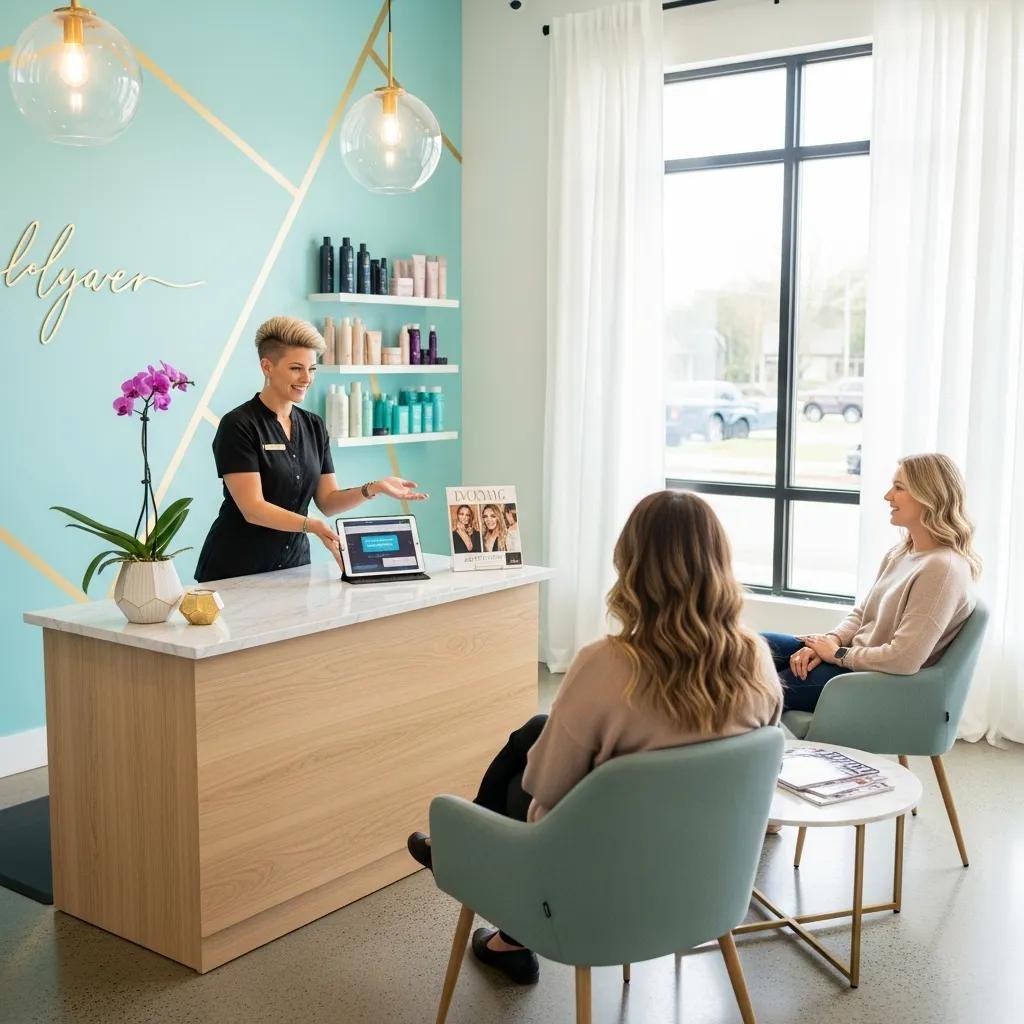
Book Kylie Studio Salon Online — Fast, Confident Appointments in Bethesda
Scheduling a salon visit should be simple, reliable, and quick. Our online booking at Kylie Studio Salon was made for exactly that. This guide walks you through how to book a haircut or color online, what services you can reserve, and how the scheduler keeps your stylist preferences and reminders in one place. You’ll get a clear, step-by-step booking flow, tips for phone and desktop use, a full list of reserveable services, and practical advice for first-time bookings. We’ll also introduce our lead stylist so you know how to choose the right pro. By the end, you’ll have a short checklist to book and manage appointments confidently — whether it’s a quick trim or a full balayage.
How to Book Your Kylie Studio Salon Appointment Online
Our online booking is an on-demand scheduler that lets you pick a service, choose a stylist, and lock in a time without waiting on hold. The system shows available time slots per service and stylist, then sends an immediate confirmation and reminders to help prevent missed appointments. This self-serve flow removes friction and lets you compare service lengths and stylist availability before you commit.
Below is a practical walkthrough you can use to finish a booking in minutes, plus device-specific tips to make future reservations faster.
Step-by-Step Guide to Using Our Online Booking System
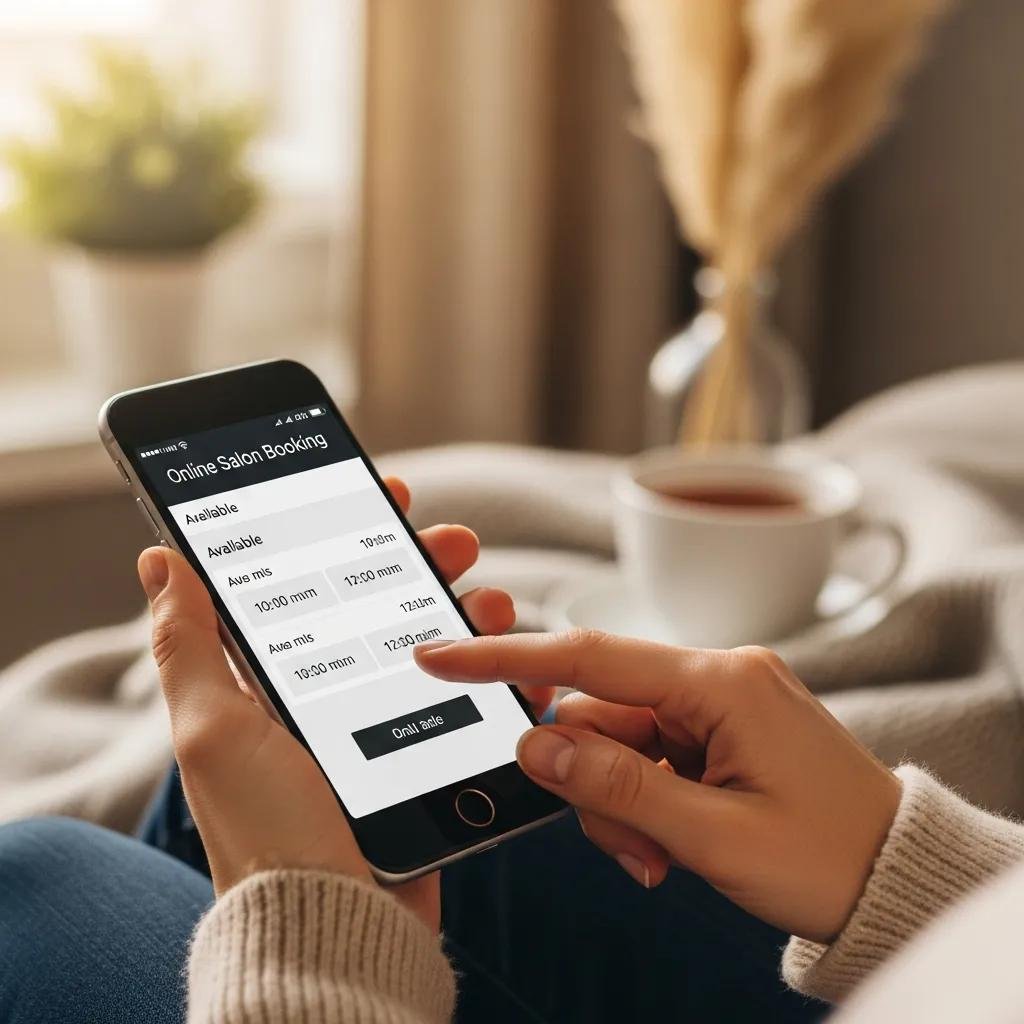
Use these steps to complete an online booking quickly and confidently. First, tap the Book Now button in our site navigation or follow the scheduling link on our business listing to open the booking portal. Next, choose the service category, select your preferred stylist, and pick a date and time that fits your schedule. Then add contact details and any notes for your stylist, confirm the appointment, and look for the confirmation and reminder options. Knowing this flow makes it easy to book more involved services like color or multi-step treatments.
Which Devices and Platforms Support Our Booking Service?
Our scheduler works on both mobile and desktop browsers, with a responsive layout that keeps selection simple on small screens.
On mobile, saving the booking page to your home screen or creating an account with saved preferences makes repeat bookings faster and keeps your stylist choices handy.
On desktop, you’ll see a wider calendar view for longer services and find it easier to attach reference photos when requested.
Whether you use a phone or laptop, creating an account and opting into reminders syncs appointments with your calendar and streamlines future bookings.
Which Hair Services Can You Schedule Online at Kylie Studio Salon?
Our booking tool lists bookable service categories so you can choose anything from a quick cut to an extended color or treatment session. Services are grouped by type and typical duration so you can pick the right time block. Brief descriptions appear before you select a slot, and the scheduler asks for consultation notes when extra time may be needed.
Below is a compact comparison of common services and how to start each booking.
This table helps you match the right booking option to your needs so you reserve the correct time and reduce the chance of later edits.
Booking Women’s, Men’s, and Children’s Haircuts Online
Choosing the correct haircut option ensures your stylist has adequate time and the right tools. When booking, note hair length and any desired changes so the stylist can prepare. The scheduler shows estimated times by service, and if you’re trying a big change you can book an extended consultation slot. Picking the right category up front reduces reschedules and creates a smoother in-salon visit.
Scheduling Hair Color, Balayage, and Keratin Treatments
Color and smoothing services need longer blocks and sometimes a preliminary consultation; the scheduler will prompt you to select appropriate time windows for multi-step services. For balayage or full color, upload reference photos or share previous color details so your stylist can prep. If a patch test or staged processing is required, the system offers consultation-only or full-service options. Clear notes in the booking form help the appointment run on time.
Benefits of Booking Your Salon Appointment Online in Bethesda
Online booking gives you predictable scheduling, instant confirmations, and automated reminders — all of which reduce no-shows and save time for clients and staff. The system shows stylist availability and realistic service durations, so you can pick a convenient time instead of leaving a voicemail or waiting for a callback. You also control stylist preference and can review policies or add notes before you arrive.
Below is a table that breaks down these benefits, explains how they help, and offers real examples.
These advantages free up your in-salon time to focus on the service, not the logistics.
Convenience and Time-Saving Features of Our Online Scheduler
Key features include 24/7 access, quick rebook options, and calendar sync so appointments appear in your preferred calendar automatically. Creating an account saves your preferred stylist, go-to services, and contact details to make rebooking almost instant. Automated confirmations and reminders ease the worry of missed visits and give a simple modify/cancel path when plans change. Together, these features save time before, during, and after your visit and make multi-step services like balayage easier to manage.
How Online Booking Improves Your Kylie Studio Salon Experience
Booking online helps your stylist arrive prepared — with notes, photos, and clear time allocation. That means shorter waits, more focused consultations, and a more personalized visit. When we have your preferences ahead of time, stylist continuity and preparation lead to consistent results. These small improvements encourage clearer conversations about style and maintenance, which supports long-term hair goals.
Who Are the Stylists You Can Book Online at Kylie Studio Salon?
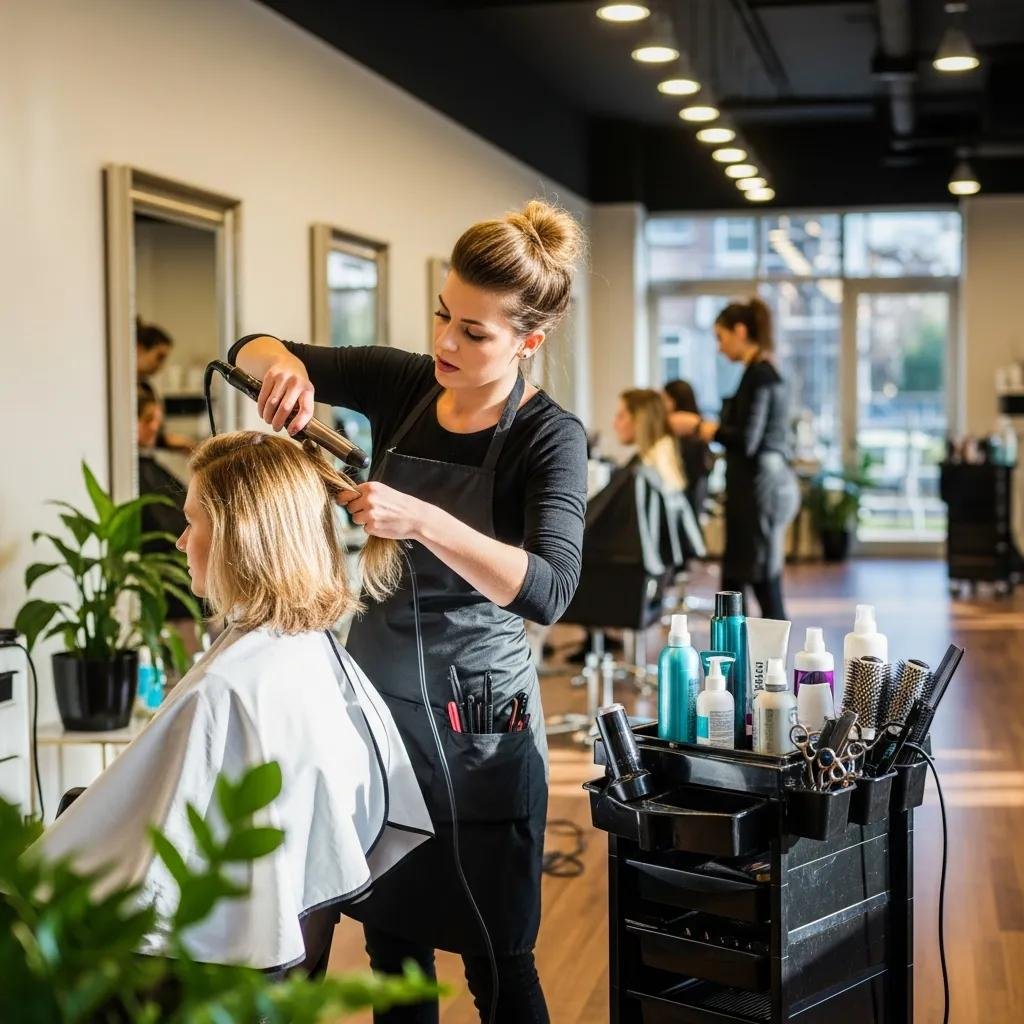
Our team appears in the booking interface so you can choose a stylist by name and view their specialties before reserving a slot. Each profile highlights core skills and the services a stylist prefers, helping you match your needs with the right pro. Selecting a stylist during booking supports continuity of care and ensures the correct time is reserved. Below we introduce the salon owner and explain how stylist selection works in the scheduler.
Meet Ruth: Owner and Lead Stylist with 11+ Years of Experience
Ruth is the salon owner and lead stylist, known for color work and styling — especially balayage and color correction. You can book directly with her when she has availability. Her profile includes specialties and lets you attach reference photos or describe desired results in the notes field before your visit. Having this context helps clients decide whether to request Ruth or another team member and supports better matches between expectations and expertise.
How to Book Directly with Your Preferred Stylist Online
Use the stylist filter in the scheduler to view only your chosen professional’s open times, then select a slot that fits your calendar and the service duration. If your preferred stylist is booked, the scheduler suggests the next available dates or other stylists with similar specialties. Saving a preferred stylist to your account increases the chance they appear first for future bookings. These tools make it simple to secure continuity with the stylist you trust and plan follow-up visits.
Common Questions About Kylie Studio Salon’s Online Booking
Clients often ask how to modify appointments, what to expect for a first visit, and how confirmations and reminders work. The booking portal typically includes an FAQ and confirmation emails with modify/cancel links and contact info for urgent changes. Below is a table of common questions with short answers and where to find more details.
This quick FAQ points you to where to act in the booking workflow and helps reduce the need for phone calls.
How Do I Modify or Cancel My Online Appointment?
Modify or cancel via the link in your confirmation email or by logging into your booking account and selecting the appointment. The scheduler shows alternative slots and any policy notes about timing or deposits. If something urgent comes up, calling the salon is a direct option. Knowing the online modify flow cuts down on last-minute calls and is courteous to other clients waiting for openings.
What Should I Know Before Booking My First Online Appointment?
Before your first appointment, pick a service category, gather reference photos for color changes, and plan to arrive a few minutes early for intake or consultation. Use the notes field to share hair history, allergies, or styling preferences so your stylist can prepare. Choosing the right time block for the service prevents underbooking and unexpected reschedules. These small steps make your first visit smoother and help build a successful long-term client–stylist relationship.
How to Get Started with Kylie Studio Salon’s Online Booking Today
Getting started takes just a few steps: find the Book Now button on our homepage or business listing, create an account or continue as a guest, and choose the service and stylist that suit your needs. The booking flow guides you through picking a duration, entering contact details, and opting into reminders and calendar sync.
Use this checklist to create your first appointment confidently and efficiently.
- Choose a Service: Pick haircut, color, balayage, keratin, or treatment.
- Select a Stylist: Use the stylist filter to book Ruth or another team member.
- Pick a Time Block: Match the listed durations to your availability and service needs.
- Add Notes/Photos: Attach reference images and summarize your hair history in the notes field.
- Confirm and Opt-In for Reminders: Save the appointment and enable SMS/email reminders.
Creating Your First Appointment: Tips and Best Practices
For your first appointment, choose a realistic time length and add a consultation slot if you’re planning a major change — this gives the stylist time to assess hair condition and plan the service. Avoid booking tight back-to-back slots on busy days if your service needs extra processing time. Save your preferred stylist and go-to service to speed future bookings, and enable calendar sync and reminders so appointments appear in your calendar automatically.
These practices help ensure a calm, well-prepared first visit that meets expectations and reduces surprises.
Where to Find Our Online Booking Portal and Contact Information
Look for the Book Now call-to-action in our website navigation or on our online business listing to access the booking portal. If you’d rather speak with someone, our phone number is listed for scheduling support. Our Bethesda address appears on public profiles and maps to help you find the studio in person.
This guidance points you to where the booking link and contact details live so you can complete a reservation or request help. With those options, creating and managing appointments is straightforward — leaving you to focus on the look you want.
Frequently Asked Questions
What should I do if I need to change my appointment time?
If you need to change your appointment, use the modify link in your confirmation email or log in to your booking account. The scheduler will show available alternative slots based on your service and stylist. Try to make changes early to avoid any potential fees. If you run into problems, contact the salon directly and we’ll help.
Are there any special considerations for first-time clients?
First-time clients should choose a service category and gather reference photos if they have a specific look in mind. Arrive a few minutes early for intake and use the notes field to share hair history, allergies, or styling preferences. That information helps your stylist prepare and ensures a smoother visit.
Can I book multiple services in one appointment?
Yes — you can book multiple services in a single appointment. The scheduler will estimate the total duration. Make sure to choose time blocks that cover all services so your stylist has enough time to complete everything without rushing. Add notes for each service during booking.
What happens if I miss my appointment?
If you miss your appointment, contact the salon as soon as you can. Depending on our cancellation policy, a no-show fee may apply. Automated email and SMS reminders help prevent missed appointments, but if you need to reschedule, do so early to keep your preferred stylist and time.
How can I ensure I get my preferred stylist?
Use the stylist filter to view your preferred stylist’s available times. If they’re booked, the scheduler suggests the next available date or other stylists with similar specialties. Saving a preferred stylist in your account makes it easier to find them for future bookings.
Is there a way to provide feedback after my appointment?
Yes — we welcome feedback. You can usually reply to a follow-up email or leave a review on our website. Sharing specific notes about your experience or stylist helps us improve and makes future visits even better.
Conclusion
Our online booking streamlines appointment scheduling so your visit is hassle-free and tailored to your needs. With 24/7 access, automatic reminders, and the option to select a preferred stylist, you have more control over your salon experience. Ready for effortless hair care? Book your appointment online today and enjoy personalized service at Kylie Studio Salon.