
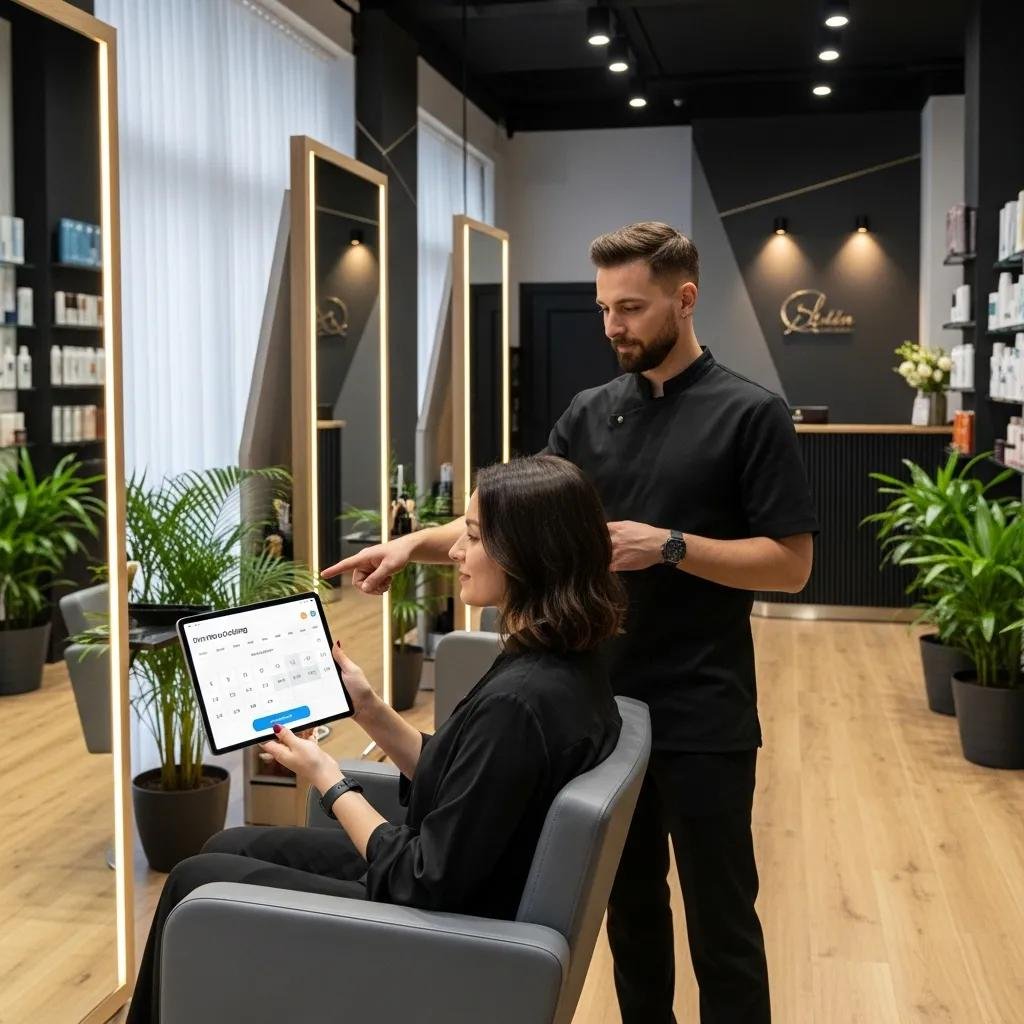
How Online Booking Helps Salons: Easier for Clients, Better for Business
Online booking software is a cloud-based scheduling system that lets clients pick services, choose a stylist, and pay securely — all without a phone call. It gives clients instant convenience and frees salon teams from repetitive admin tasks. By automating bookings, confirmations, and client records, these platforms cut down scheduling headaches so stylists can focus on hair, not calendars. Read on to see how 24/7 booking, automated reminders, calendar sync, reporting dashboards, and secure payments improve the client experience and boost salon revenue — with examples relevant to Bethesda. Many salons lose bookings to missed calls, long wait times, and after-hours demand; modern schedulers solve those problems with automation, analytics, and mobile-first booking flows. This article explains how online booking reduces no-shows, streamlines operations, drives revenue, enables personalization, and why local spots like Kylie Studio Salon benefit from making the switch.
How does online booking make life easier for salon clients?
Online booking gives clients round-the-clock access to appointment slots, a mobile-friendly flow, and self-service controls that remove phone wait times and human errors. The system shows live calendar availability and enforces booking rules to avoid double-bookings, so clients can pick the exact service and stylist they want. That convenience leads to faster bookings, higher satisfaction, and stronger client loyalty. These tools also send confirmations and handle secure payments to make check-in smoother and give clients peace of mind. Below we dig into two core convenience features — 24/7 booking and automated reminders — and why they matter to both clients and salons.
What are the perks of 24/7 appointment scheduling for clients?
Always-on booking lets clients make appointments outside business hours — ideal for busy professionals, parents, and anyone who prefers to schedule evenings or weekends. In practice, offering after-hours booking captures spontaneous demand: industry benchmarks show about 30–40% of bookings happen outside traditional hours, so you can win meaningful incremental appointments. Clients get immediate confirmations, can compare available times and stylists, and book from a phone or tablet without calling in. For salons, after-hours booking reduces missed opportunities and evens out demand through the week. Next we’ll show how reminders and easy rescheduling build on this convenience.
Kylie Studio Salon in Bethesda already offers an online scheduler so clients can book anytime. If you prefer digital booking, visit the salon’s online booking tool to reserve a time that fits your schedule.
How do automated reminders and easy rescheduling improve the client experience?
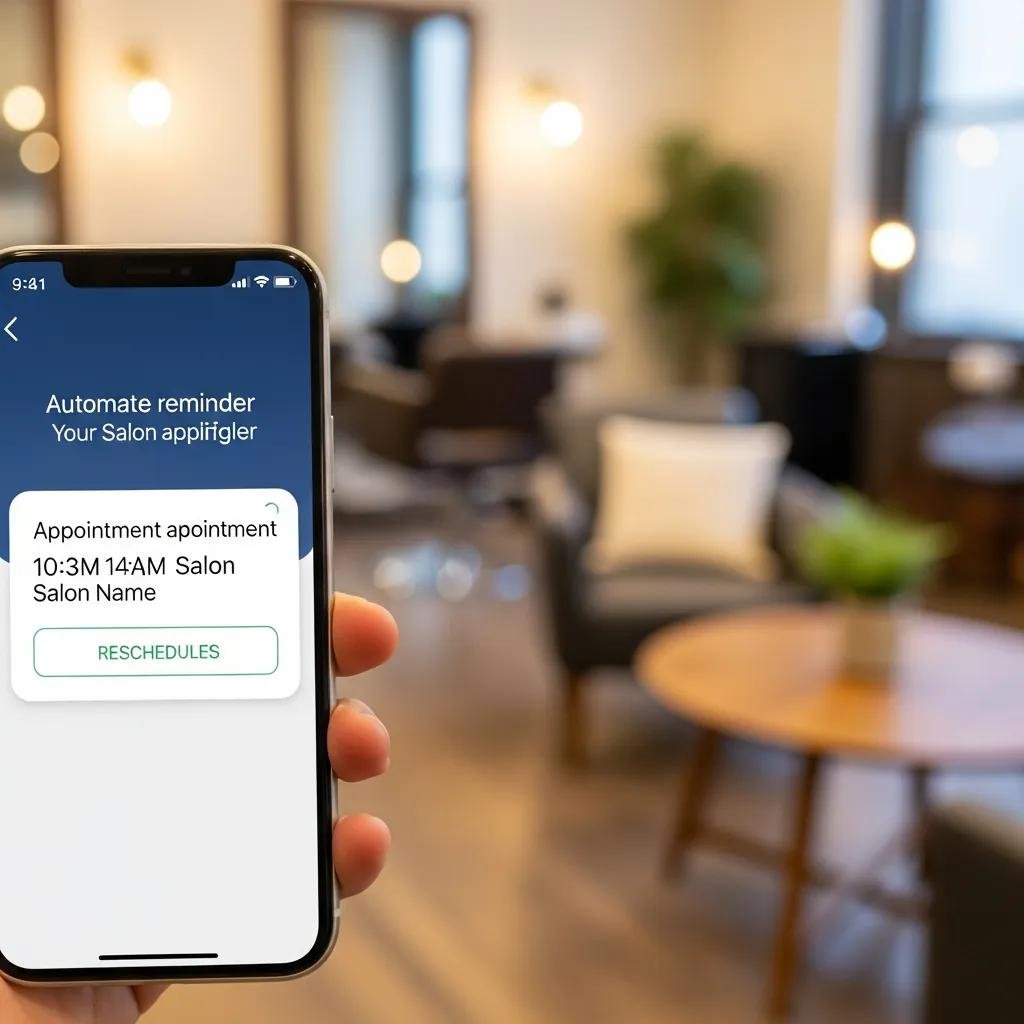
Automated reminders sent by SMS and email cut down uncertainty and encourage confirmations, while simple rescheduling options remove friction when plans change. A common best practice is to send a confirmation at booking, a 24-hour reminder, and an optional 1-hour reminder — a helpful cadence that avoids over-messaging. Personal touches (stylist name, service details, parking or prep tips) boost clarity and reduce arrival confusion. Easy online rescheduling often turns a potential cancellation into a new slot instead of lost revenue, and it saves staff time spent on back-and-forth calls. Thoughtful reminder timing and smooth rescheduling keep schedules fuller and clients happier.
How does online booking cut down on no-shows and cancellations?
Online booking lowers no-shows by combining automated reminders, deposits or card-on-file options, and reporting that highlights cancellation patterns for targeted fixes. The behavior is straightforward: reminders and small financial commitments increase the chance clients show up, and analytics help teams spot repeat issues and tweak policies. Studies and vendor benchmarks show up to a ~40% reduction in no-shows when reminders and deposits are used together — protecting revenue and stabilizing schedules. That reliability makes staffing easier and reduces idle gaps during the day.
The sections that follow cover notification best practices and the operational effects so salons can track the real impact of fewer missed appointments.
How do automated notifications reduce missed appointments?
Automated notifications deliver timely, relevant messages prompting clients to confirm, reschedule, or cancel ahead of time — which cuts last-minute no-shows. A reliable pattern is immediate confirmation, a 24-hour reminder, and a short 1–2 hour reminder; sending via both SMS and email raises the chance clients see it. Personalization — using the client’s name, stylist, and service — improves engagement, and one-click rescheduling lowers friction for changes. Salons should test cadence and channels while tracking confirmations and attendance to find what works best for their clientele. These notification habits help reduce missed appointments and make daily operations more predictable.
What difference does a lower no-show rate make for salon operations?
Fewer no-shows mean more retained revenue, better staff utilization, and a smoother client flow. For example, a salon with a 20% no-show rate that implements reminders and deposits could drop to 12%, recovering significant revenue and enabling smarter staffing. Practically, stylists spend more of their shifts on billable services, reception handles fewer emergency reschedules, and overall service consistency improves. Fewer cancellations also strengthen client relationships because more appointments happen as planned — freeing up budget for marketing and training that fuels growth.
How can online booking streamline salon operations and improve staff efficiency?
Online booking centralizes appointments, automates confirmations, syncs calendars across devices, and keeps client records in one place — reducing manual tasks and human error. By moving booking off the phone and into digital workflows, salons cut interruptions and improve time management and service consistency. The result is measurable time savings for front-desk staff and stylists, plus better visibility into daily demand for smarter scheduling. Below are specific time-saving effects and how digital records speed check-in and service delivery.
What time-saving benefits come from automating appointment scheduling?
Automation removes the need for manual booking, confirmation calls, and many follow-ups, saving front-desk staff and stylists minutes each shift. Systems handle availability checks, conflict prevention, confirmations, and waitlists so teams can focus on client care and retail opportunities. Salons can redirect saved time toward consultations, increasing retail sales, or fitting in an extra appointment. The table below compares typical manual booking tasks with online booking to show clear operational gains.
That comparison highlights how automation cuts repetitive work and errors, letting staff spend more time with clients and improving overall salon throughput.
How does digital client data management speed up salon workflows?
Digital client profiles store service history, color formulas, allergies, and product preferences so check-in is quicker and service is more consistent. Keeping notes from past appointments helps stylists recreate results faster and recommend the right maintenance or add-ons. Integrations with POS and calendars simplify checkout and inventory updates, and searchable profiles make recall quick during busy shifts. Centralized profiles support personalized suggestions and shorter consultations, which raise revenue per client and satisfaction. Next we’ll look at booking features that turn convenience and data into revenue.
Which booking features actually drive more revenue for salons?
Booking systems grow revenue through features like after-hours booking, upsell prompts at checkout, deposits or prepayments, automated rebooking nudges, and reporting for targeted marketing. These tools turn convenience and client data into measurable results by capturing demand, increasing average ticket, protecting bookings, and enabling smarter promotions. The outcome is more bookings, higher average spend, and better client retention.
Below we explore after-hours booking and how reporting and upsells lead to measurable growth.
How does after-hours booking capture more appointments?
After-hours booking catches clients who decide to schedule outside normal business hours — often accounting for 30–40% of bookings in digitally enabled salons. Letting clients book anytime turns late-night browsing into confirmed revenue without extra staff. To make this work, publish clear service durations and availability windows in your scheduler so expectations match reality. Strong CTAs on your site and a clean mobile booking flow increase conversion from after-hours traffic to confirmed appointments. Capturing this demand grows capacity without lengthening staff hours, lifting revenue per chair.
How do data-driven insights support salon growth?
Reports on revenue by service, retention rates, and booking sources help salons focus promotions, set staffing, and identify high-value clients for loyalty programs. Reporting allows targeted campaigns to rebook clients after key services, promote upgrades, and fill slow slots with offers. For example, spotting services with low rebooking rates lets you create promotions that boost repeat visits and ticket size. The table below links common features to business benefits so salons can prioritize the changes with the best ROI.
This mapping shows which features bring revenue and operational improvements that support growth.
How does online booking help salons deliver more personalized client service?
Online booking captures client history, preferences, product choices, and notes in secure profiles stylists can review before or during appointments. Profile-driven personalization helps salons suggest the right services and products, estimate accurate appointment times, and reproduce past results reliably. The concrete payoff is stronger loyalty, higher satisfaction, and more effective cross-sells — recommendations based on real client data, not guesswork. The sections below cover which profile fields matter most and how secure payments support client trust.
How do client profiles help tailor hair services?
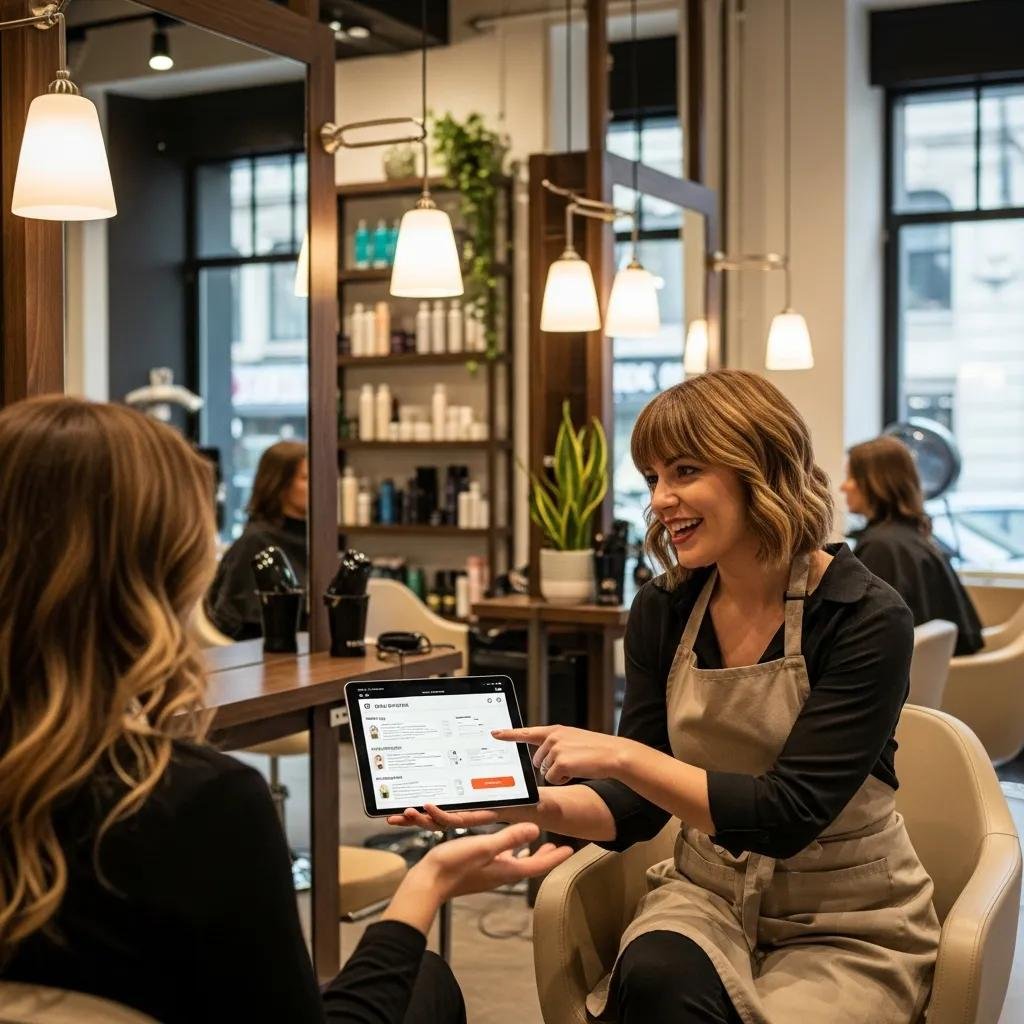
Profiles store past services and dates, color formulas, product preferences, and allergies so stylists can prepare and recreate results more consistently. Using a recorded formula or service note gives clients continuity and builds trust — and it encourages rebooking. Front-desk staff can pre-fill appointment lengths and notes to speed check-in and avoid surprises. Recommending retail or maintenance appointments from profile data increases add-on sales and shows attentive care. The table below pairs common profile fields with their uses and client-facing benefits.
Collecting these fields makes personalization repeatable across the team.
How do secure online payments build trust and convenience?
Secure online payments — card-on-file and deposit options — speed checkout while protecting clients and salons through PCI-compliant processors and encrypted transactions. For clients, stored payment methods mean a quicker exit; for salons, deposits and card holds lower last-minute cancellations and act as a deterrent to no-shows. Offering secure payment options signals professionalism and builds trust. Salons should balance deposit policies with client experience and clearly communicate any fees or holds at booking.
Why should salons like Kylie Studio Salon adopt online booking?
Salons like Kylie Studio Salon in Bethesda should adopt online booking because it matches local client expectations, sharpens the salon’s competitive edge, and lets the owner focus on service instead of admin. With 24/7 booking, automated reminders, secure payments, and organized client profiles, a salon can capture more bookings, cut no-shows, and deliver consistent, personalized service that keeps clients coming back. Kylie Studio Salon — known in the neighborhood for expert care from owner/stylist Ruth — can use online scheduling to turn search and review traffic into confirmed appointments. For other local owners, practical steps are simple: add a mobile-friendly scheduler, enable reminders and deposits where appropriate, and use reporting to run targeted rebooking campaigns.
When you roll out these tools, prioritize features that fit your clients and promote the booking link in local listings and social channels to reach digital-first customers.
What competitive edge does online booking give local salons?
Online booking makes local salons more accessible and easier to book, which many clients now expect. Salons with simple online scheduling look professional and trustworthy, increasing conversions from discovery to appointment. Digital booking also lets salons showcase reviews and a smooth user experience as trust signals, encouraging first-time and repeat bookings. Quick wins include optimizing booking CTAs, using mobile-first forms, and automating welcome messages via email/SMS for new clients. These steps strengthen your local position and attract people who prefer digital interactions over phone calls.
How does online scheduling match client expectations in Bethesda, MD?
Online scheduling fits the busy, mobile-first lives of Bethesda residents — commuters, professionals, and families who want to book without a phone call. Many clients prefer self-service booking, and offering it is essential to capture those demographics. Aligning your scheduler with client habits increases conversions and positions your salon as modern and client-focused. A clear, mobile-friendly booking flow plus transparent policies meets local needs and reinforces your reputation for care and convenience.
Book online at Kylie Studio Salon to enjoy modern scheduling and personalized hair services from owner/stylist Ruth in Bethesda, MD.
Frequently Asked Questions
What types of salons benefit from online booking software?
Online booking helps hair salons, nail salons, spas, barbershops — really any service business that runs on appointments. These systems improve client convenience, reduce no-shows, and simplify daily operations. They’re especially useful for salons aiming to attract tech-savvy clients or modernize their guest experience.
How can salons make sure clients know about their online booking?
Promote your online booking across channels: put clear calls-to-action on your website, share booking links on social media, include them in email newsletters, and use in-salon signage. Train staff to mention the online option during appointments. Repeating the message across touchpoints helps increase adoption.
What security measures should salons use for online payments?
Prioritize PCI-compliant payment processors, SSL-secured pages, and encrypted transactions. Be transparent about payment and deposit policies so clients know what to expect. Regularly update software and review security settings to protect client data.
Can online booking software integrate with other salon tools?
Yes. Many booking platforms integrate with POS systems, CRMs, and marketing tools so data flows smoothly between booking, sales, and client records. These integrations reduce duplicate work and give better reporting and client insights.
What challenges do salons face when implementing online booking?
Common hurdles include staff resistance, setup complexity, and getting clients to adopt the new system. Overcome them with clear training, choosing user-friendly software, and communicating benefits to both staff and clients. A gradual rollout and ongoing support help the transition go smoothly.
How can salons measure the success of their online booking system?
Track metrics like booking volume, percentage of online bookings, no-show rate, client retention, and revenue growth. Monitor client feedback and satisfaction as well. Regularly review these numbers to refine reminders, deposit rules, and marketing tactics.
Conclusion
Adopting online booking gives salons clear benefits: better client convenience, fewer no-shows, and smoother operations. By automating scheduling and client management, salons can focus on delivering great service while growing revenue. Local businesses like Kylie Studio Salon stand to gain from these tools, presenting a modern, client-first experience. Ready to see how online booking can change your salon’s day-to-day? Start with a mobile-friendly scheduler, activate reminders, and use reporting to guide rebooking and promotions.